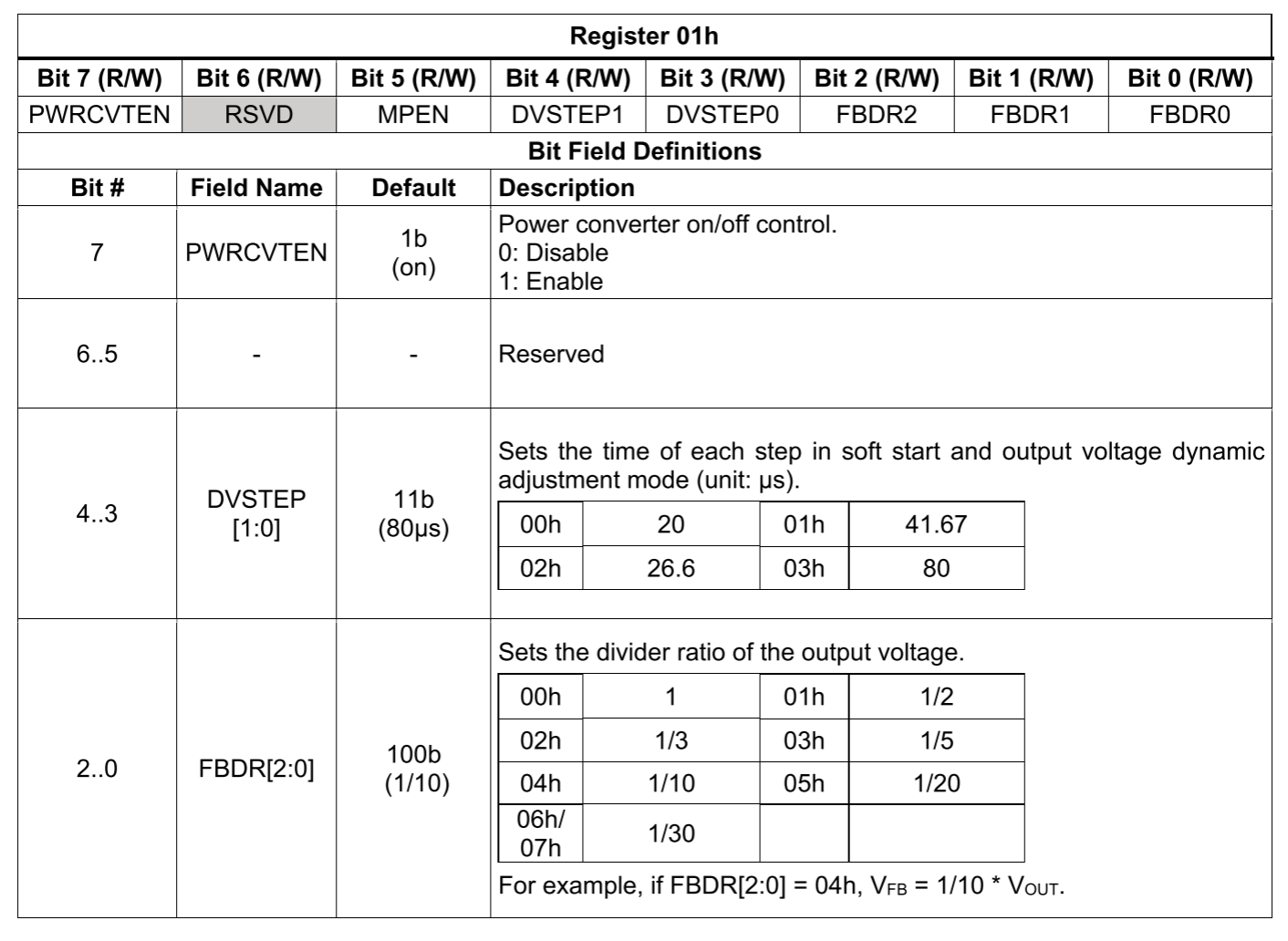
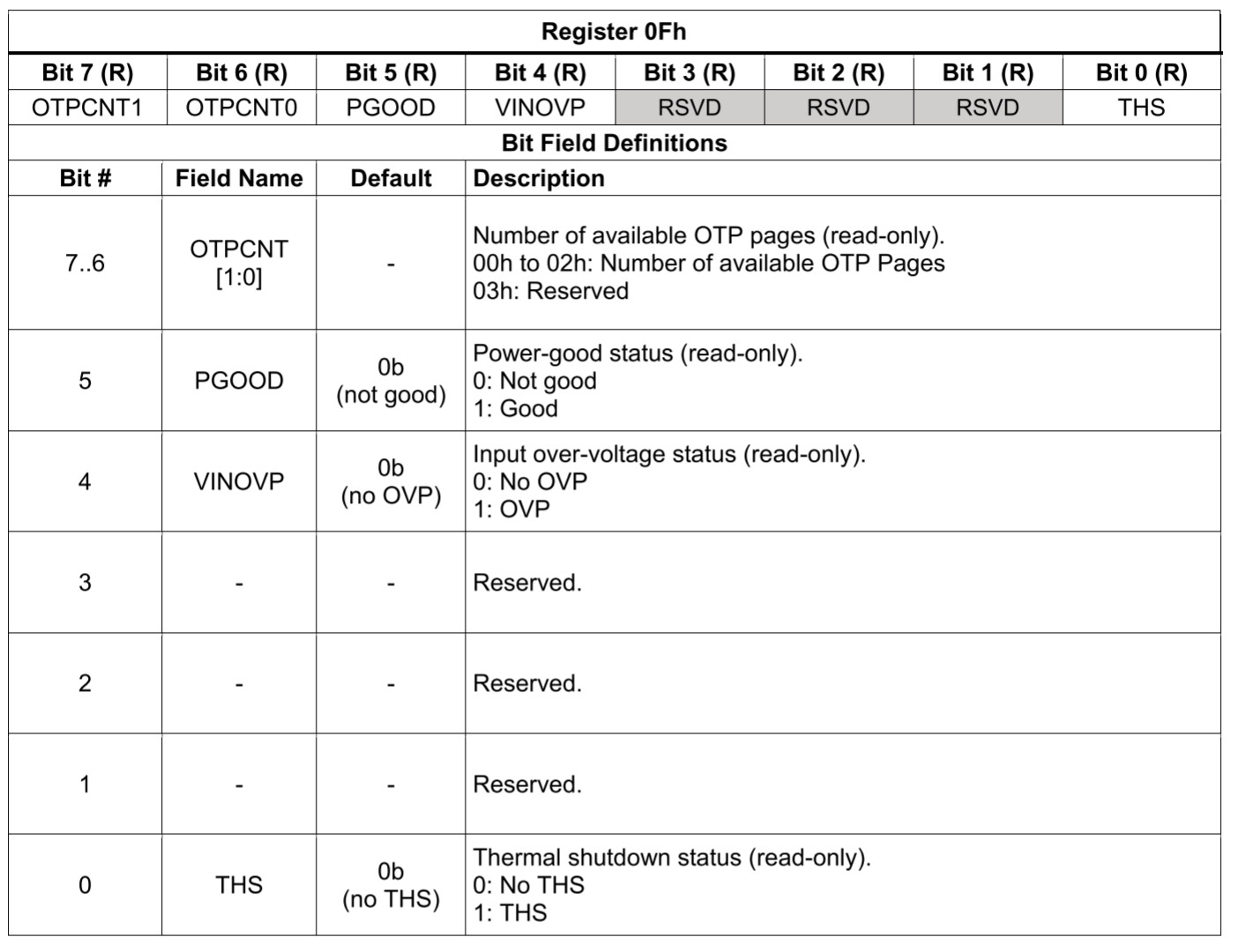
There seems to be conflicting information on the OTP programming for the MPQ8875. According to the datasheet, there are 3 OTP pages available to write. However, nothing mentions which register to write to store settings into the NVM. If I use the Virtual Bench Pro GUI, will it actually save changes to NVM and lower the available OTP page count? I need the device to startup with the voltage output off by default, and allow me to turn it on with i2c.
That was my intent to do as described. I just wanted to make sure that writing to NVM with this specific IC was possible. Reading other MPS device datasheets make it seem like OTP memory is one time use, as the name implies, but this datasheet says there are 3 pages of OTP available to use once each. I am waiting for the MPS adapter to arrive to use the GUI to test everything so I have not been able to physically try writing to NVM. The datasheet does not say anything about which registers to write to burn into memory. I was able to test and read/write to the volatile registers over i2c just fine.
Could you share a procedure to burn into NVM using i2c and not the GUI?
Yes, writing to NVM is possible with this IC only 3 times as implied by the 3 pages of OTP. Do let us know if there are any issues with the adapter and the GUI, the question is understandable given OTP means one-time programming. This applies to all registers that can be written to with different settings showcased on the datasheet if that answers your question.
As for the procedure for writing to NVM using I2C and not the GUI, it would perhaps be best for you to submit a ticket to get this guidance directly from an FAE who can provide these resources directly to your email: