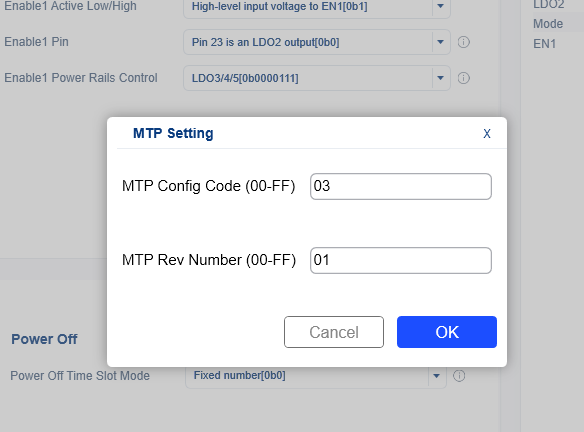
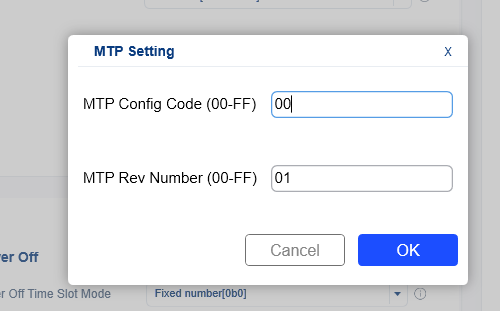
I want to store user settings in the MP5470’s NVM(non-volatile memory) with Virtual Bench Pro 4.0. The setting data was successfully stored in VM(volatile memory) and its operation was verified. However, really setting data is not saved.
The PMIC part number is MP5479GRM-0003-P and MP5479GRM-0000-Z.
When connect to the MP5479 to Virtual Bench Pro 4 GUI, there is a gray box that says “Remaining cycles in NVM” next to the Non-Volatile Memory Button.
Is the number in that box zero (0)? (Like in the image attached below).
If that’s the case, then you are no longer able to write to the NVM on that device anymore. The part has limited number of times in which you can write to NVM. Thus, you will need to get a new MP5479 IC if you want to write on NVM.
Also, for reference:
The MP5479GRM-0000 is the default part, and is Two-Time programmable MTP.
The MP5479GRM-0003 is a pre-programmed part, and it can be reprogrammed Once.